Introduction
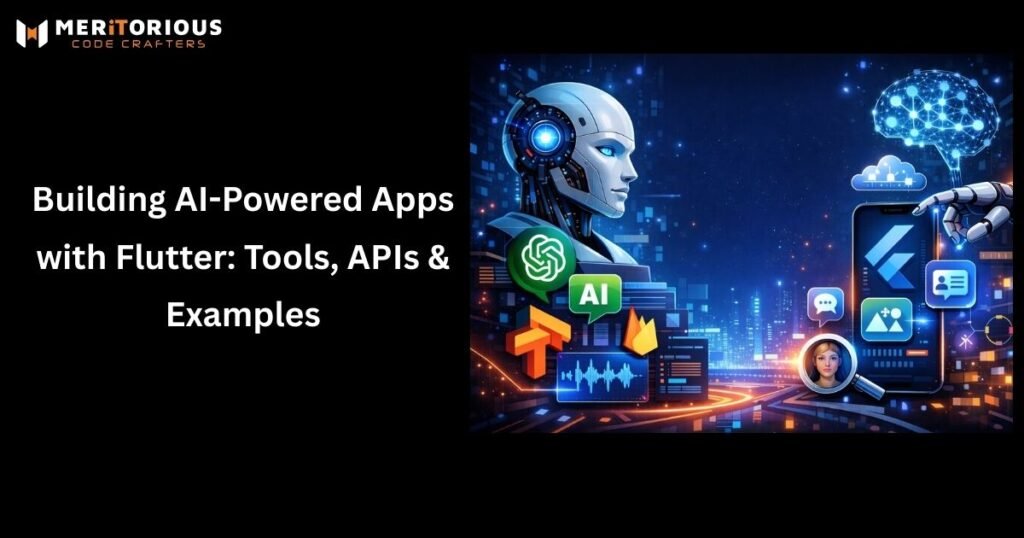
In this blog, we’ll explore how works with AI, the best tools and APIs you can use, and real-world examples of AI-powered Flutter apps.
Artificial Intelligence is no longer limited to research labs or big tech companies. In 2026, AI-powered features like chatbots, recommendations, voice assistants, and image recognition are becoming standard in modern mobile apps. Google’s popular cross-platform framework, is emerging as a strong choice for building AI-powered applications that run seamlessly on Android, iOS, web, and desktop.
Why Use Flutter for AI-Powered Apps?
Flutter offers several advantages when building AI-driven applications:
- Single codebase for multiple platforms, reducing development time
- Fast UI rendering with smooth animations for AI-heavy interfaces
- Strong plugin ecosystem for AI, ML, and cloud integrations
- Easy API integration, making it ideal for cloud-based AI services
Since most AI processing happens on the cloud or via optimized on-device models, acts as a powerful front end that delivers rich, responsive user experiences.
Key Tools for AI in Flutter
1. TensorFlow Lite (TFLite)
TensorFlow Lite is widely used for on-device machine learning. Flutter supports TFLite through plugins that allow developers to run ML models directly on smartphones.
Use cases:
- Image classification
- Face detection
- Text recognition
- Object detection
2. Firebase ML & Google ML Kit
Google’s ML Kit provides ready-to-use APIs that work smoothly with apps.
Features include:
- Barcode scanning
- Language translation
- Face detection
- Smart reply
This is a great option for developers who want AI features without deep ML knowledge.
Popular AI APIs You Can Use with Flutter
1. OpenAI API
The OpenAI API enables advanced natural language processing and generative AI features.
Examples:
- Chatbots and virtual assistants
- Content generation
- Smart search
- Code or text suggestions
2. Google Cloud AI APIs
Google Cloud offers powerful AI services such as:
- Speech-to-Text
- Text-to-Speech
- Vision AI
- Natural Language API
These APIs are scalable and suitable for enterprise-level applications.
3. AWS AI Services
Amazon provides AI tools like Rekognition, Lex, and Polly, which can be integrated into apps for image analysis, chatbots, and voice features.
Real-World Examples of AI-Powered Flutter Apps
1. AI Chatbot App
Using Flutter + OpenAI API, developers can build:
- Customer support chatbots
- Educational AI tutors
- Mental health support apps
Flutter’s UI flexibility makes conversational interfaces feel natural and responsive.
2. Smart E-Commerce App
AI can be used to:
- Recommend products
- Analyze user behavior
- Personalize offers
Flutter combined with AI APIs helps deliver highly personalized shopping experiences.
3. Image Recognition App
By integrating TensorFlow Lite, apps can:
- Scan documents
- Identify objects
- Detect faces in real time
These features are popular in fintech, healthcare, and security apps.
Best Practices for Building AI Apps with Flutter
- Use cloud-based AI for heavy processing to keep apps lightweight
- Optimize API calls to reduce latency
- Cache AI responses when possible
- Focus on UX to explain AI decisions clearly to users
As AI models become more efficient and mobile-friendly, Flutter developers will gain even more opportunities to build intelligent applications. With advancements in on-device AI, edge computing, and real-time personalization, apps will feel smarter while maintaining performance. This combination positions as a future-ready framework for next-generation AI-driven products seamlessly and efficiently too.ensuring faster development, enhanced user experience, and scalable AI integration.with minimal coding effort required.Leverage AI and Flutter together to create smarter, interactive apps.
Conclusion
Flutter is rapidly becoming a top choice for building AI-powered apps in 2026. With support for powerful tools like TensorFlow Lite, OpenAI APIs, Firebase ML, and cloud AI services, developers can create intelligent, scalable, and high-performance applications faster than ever.
Whether you’re building a chatbot, a recommendation engine, or an image recognition app, Flutter provides the flexibility and performance needed to bring AI ideas to life.