
Executive Summary
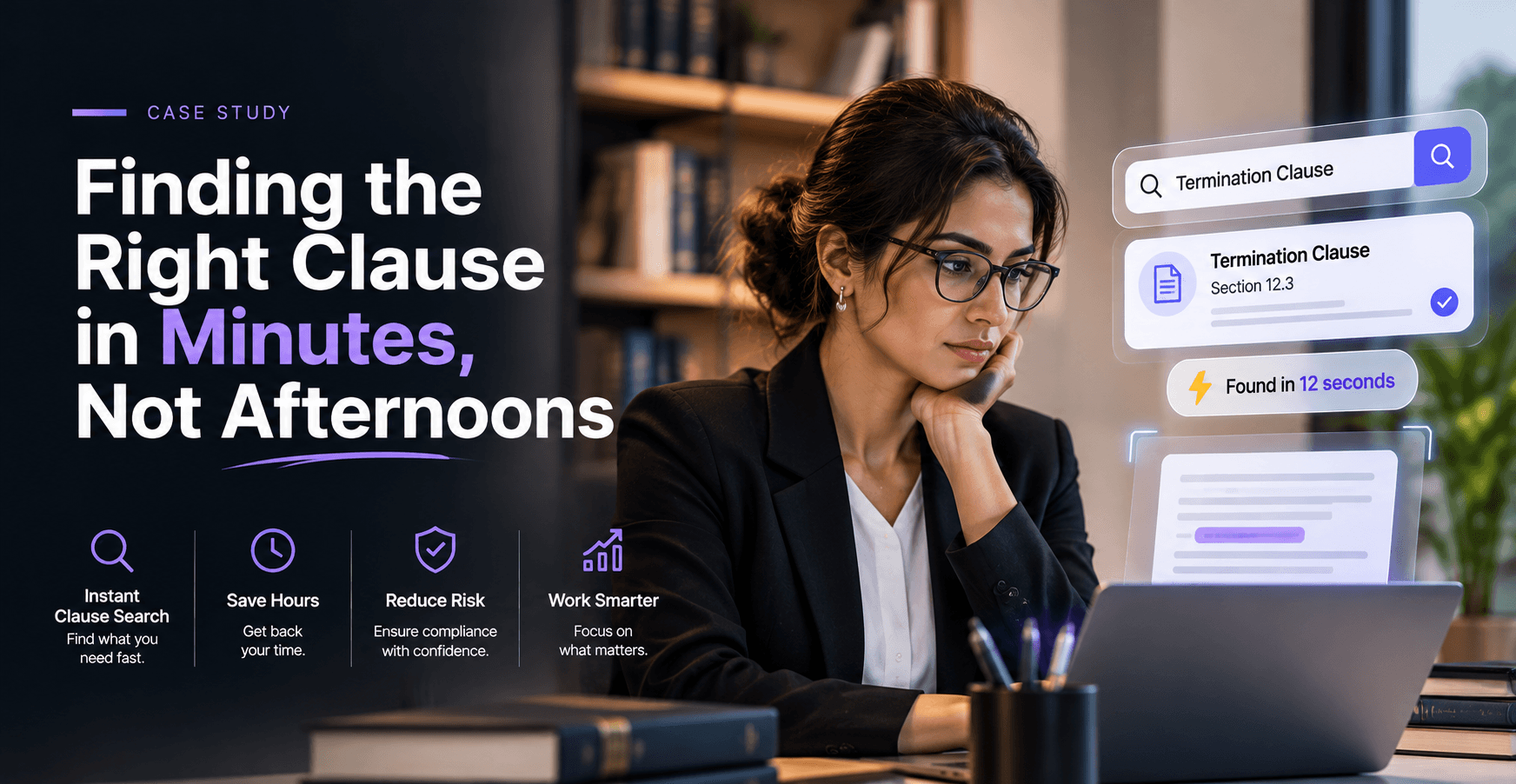
A mid-sized law firm held thousands of contracts, memos, and past opinions, and its lawyers spent hours each week hunting through them. Meritorious CodeCrafters built a secure, private AI assistant that searches the firm's own documents, highlights relevant clauses, and answers questions with clear references back to the source, so every answer can be checked. The assistant never replaces legal judgement; it simply gets lawyers to the right page sooner. This case study is written as a decision log, because for a law firm, every choice about security, accuracy, and responsibility mattered as much as the technology itself.
The decision log
Decision 1: Who is this for, and what is it not for?
Context: The partners were excited and cautious in equal measure. They wanted faster research but were wary of any tool that might invent a case or a clause.
Decision: We agreed on a clear scope. The assistant would help lawyers find, compare, and summarise information within the firm's own documents. It would not give legal advice, would not draw on the open internet, and would always show where its answer came from.
Why it mattered: Boundaries built trust. The partners could see exactly what the tool did and did not do.
Decision 2: Keep everything private
Context: Client documents are confidential. Sending them to a public service was unthinkable.
Decision: We built the system inside the firm's own secure cloud environment, with encryption, strict access control, and logging. Each matter's documents are visible only to the lawyers assigned to it. We worked with the firm's IT lead to ensure the AI provider's terms did not allow client data to be used for training.
Why it mattered: Confidentiality is not a feature in legal work; it is the starting point.
Decision 3: Answers must show their sources
Context: A confident, unsourced answer is dangerous in law.
Decision: Every response links to the exact passages it relied on. Click a reference, and the document opens at that paragraph. If the assistant cannot find support in the documents, it says so plainly instead of guessing.
Why it mattered: Lawyers could verify in seconds, which turned a worry into a habit.
Decision 4: Use retrieval, not memory
Context: Language models can produce fluent but wrong text if left to rely on memory.
Decision: We used a retrieval approach. The system first finds the relevant passages in the firm's documents, then asks the language model to answer using only those passages. This is the same pattern behind modern RAG assistants, and it is why the answers stay anchored to real text.
Why it mattered: It sharply reduces the risk of invented content, though no AI system is perfect. Lawyers were trained to treat every answer as a starting point to verify.
Decision 5: Start with contracts
Context: The firm had many document types, and trying to handle everything at once would have delayed the launch.
Decision: We began with commercial contracts, where the firm did the most repetitive review. The assistant could flag clauses such as termination, liability caps, and renewal terms, and compare them to the firm's standard positions.
Why it mattered: A focused start delivered value fast and gave us a clear measure of quality.
Decision 6: Keep a human sign-off
Context: The partners wanted to be certain that nothing left the firm unreviewed.
Decision: The assistant only produces working notes. Anything shared with a client goes through a lawyer, and the interface says so on every output.
Why it mattered: Responsibility remained exactly where the profession expects it to be.
Decision 7: Make it pleasant to use
Context: Even useful tools fail if they feel awkward.
Decision: We built a clean search-and-chat screen. Lawyers can ask in everyday language, filter by matter or document type, and save useful answers to a matter file. OurUI/UX designteam tested it with lawyers and paralegals, not just developers.
What kind of project this was
Industry: legal services, specifically a mid-sized commercial law firm.
What we built: a secure web-based AI research and contract-review tool, with document upload, search, chat, clause comparison, and an administrator area for managing access.
What the firm asked for
- Faster research across thousands of existing documents
- Clause identification and comparison for contracts
- Answers that show their sources
- Strict privacy and matter-level access control
- A tool simple enough for busy lawyers to adopt without training sessions
The tools
- Python for document processing and the AI pipeline
- An enterprise language model under privacy-friendly terms, such as OpenAI GPT, Claude, or Gemini
- LangChain and a vector database such as pgvector for retrieval, using the approach behind our AI solutions
- PostgreSQL for users, matters, and audit logs
- React.js for the web interface
- AWS (or Azure) with encryption and role-based access
The roadmap
Weeks 1 to 3: Discovery, security design, and document audit
Weeks 4 to 6: Document processing and search prototype
Weeks 7 to 11: Chat assistant, clause comparison, and source linking
Weeks 12 to 14: Security testing and lawyer feedback sessions
Week 15 onward: Staged rollout by practice group
How long it took
About fifteen weeks to the first live group, followed by gradual expansion. Projects involving sensitive data often take longer because security reviews cannot be rushed, and we planned for that openly.
What daily use looks like
Consider a senior associate preparing for a negotiation. She opens the assistant and types, "Show me the limitation of liability clauses in our last ten supplier contracts and how they differ." Within moments she sees a table of clauses, each linked to its source page, with a short note on where one contract departs from the firm's usual position. Previously, this meant opening ten documents and reading closely for most of an afternoon.
She still reads the key clauses herself, because that is her job. The assistant has simply shown her where to look. When it flags something unusual, she clicks through, confirms, and moves on. Occasionally she finds the assistant has missed a relevant document, and she marks the answer with a thumbs-down so the team can investigate.
Paralegals use it differently. They upload a new contract and ask for a first summary of key dates, parties, and renewal terms, which they check against the original before it goes to a lawyer. Trainee solicitors use it to learn the firm's house style by asking how a particular clause has been handled before.
Risks we named openly
We told the partners plainly that no AI tool is perfect. It can miss a relevant passage, misread a poorly scanned page, or summarise a clause too neatly. For that reason, we recommended three habits: always open the source, treat summaries as working notes, and report mistakes so they can be fixed. The firm also kept its professional indemnity insurer informed and wrote a short internal policy on acceptable use. Those steps cost little and gave the partners confidence that the tool sat comfortably within their professional obligations.
Conclusion
The firm did not need a robot lawyer. It needed a faster way to find what it already knew. By keeping the assistant private, source-linked, and clearly subordinate to professional judgement, we gave the lawyers back hours of their week without asking them to trust anything they could not check.
What the firm said
"The thing we valued most was how seriously the team took confidentiality and accuracy. Our lawyers use it as a very quick research assistant, and every answer points to the document, so we always know where we stand."
Managing Partner, commercial law firm
If your organisation holds a lot of knowledge in documents and you want to put it to work safely,Meritorious CodeCrafters would be glad to discuss the options. You cancontact our teamto begin.