KEY TAKEAWAYS
- The lifecycle has seven stages: discovery, conversation design, training data preparation, architecture selection, development and integration, testing, and deployment with monitoring.
- Discovery decides success: a chatbot built around a narrow, measurable use case outperforms a general assistant that tries to answer everything.
- The quality of training data and knowledge content limits chatbot accuracy more than the choice of model does.
- Test with real customer phrasing, adversarial inputs, and escalation paths before launch; scripted happy-path tests miss most real failures.
- Launch starts a monitoring loop: review failed conversations, missed intents, and escalation rates on a regular schedule.
The AI chatbot development lifecycle is the sequence of stages that turns an idea into a reliable, monitored conversational product. Businesses that follow it, whether in-house or through AI-Powered Chatbot Development Services, avoid the usual reasons chatbots disappoint after launch: unclear goals, weak data, and thin testing.
Conversational AI now combines natural language processing with large language models, but technology is only one part of the work. This guide explains the seven stages of AI chatbot development, with checklists for use case definition, data preparation, testing, and post-launch monitoring.
What Are the Stages of AI Chatbot Development?
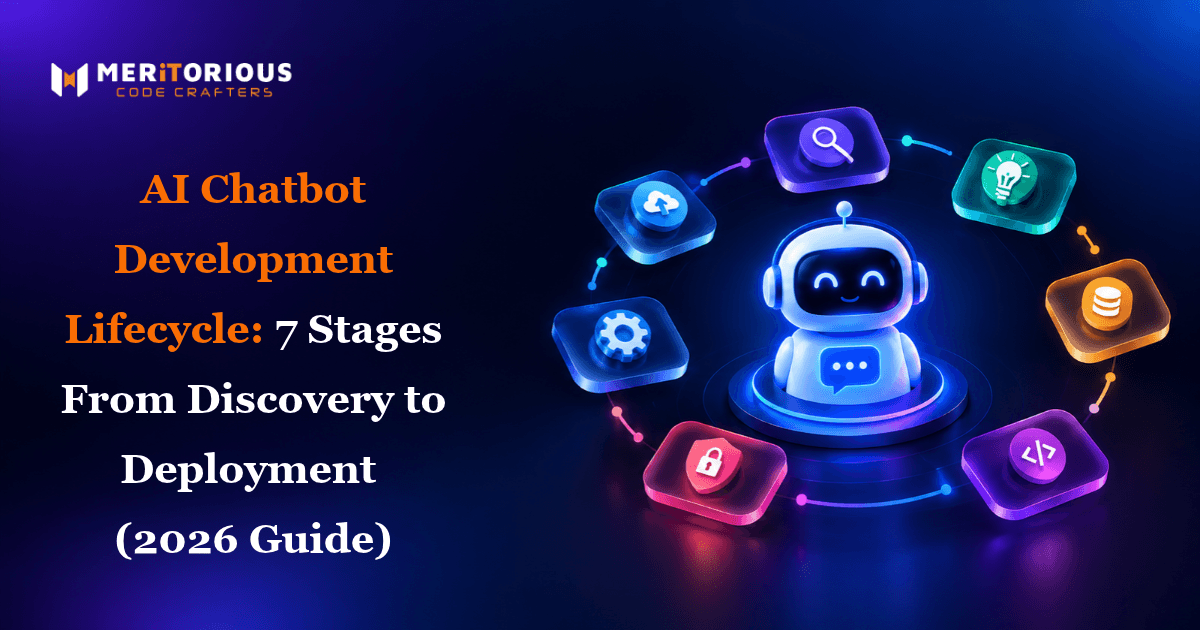
AI chatbot development has seven stages: discovery, conversation design, training data preparation, architecture selection, development and integration, testing, and deployment with monitoring. Each stage produces a deliverable that the next one depends on.
| Stage | Core Question | Key Output |
|---|---|---|
| 1. Discovery | What problem will the chatbot solve? | Use case brief, success metrics |
| 2. Conversation design | How should conversations flow? | Flows, persona, handoff rules |
| 3. Data preparation | What does the chatbot need to know? | Cleaned data, labelled intents |
| 4. Architecture | Which approach fits the task? | Technical design |
| 5. Development | How does it connect to systems? | Working chatbot with integrations |
| 6. Testing | Does it behave under pressure? | Test report and fixes |
| 7. Deployment | How do we release and improve it? | Live chatbot, monitoring plan |
Why Does a Structured Lifecycle Matter?
Chatbot failures rarely come from the model. They come from unclear scope, thin data, and untested edge cases. A lifecycle forces those decisions early, when they are cheap to change, and gives every stage an owner and a measurable output. It also makes progress easier to review with non-technical stakeholders.
The AI Chatbot Development Lifecycle, Stage by Stage
Stage 1: Discovery and Use Case Definition
Discovery sets the boundaries. Define who the users are, which questions or tasks the chatbot will handle, and what success looks like. A narrow use case, such as order tracking or lead qualification, almost always beats a general assistant. Interview support agents as well as managers, because agents know which questions actually arrive and which answers customers accept. Use this chatbot use case definition checklist:
- The top 20 to 30 real customer questions, taken from tickets or chat logs
- Target channels, such as web, WhatsApp, or mobile
- Systems the chatbot must read from or write to
- Success metrics, such as resolution rate and CSAT
- Clear limits: what the chatbot must hand to a human
Scope decisions made here shape budget, so review AI Chatbot Development Pricing before you lock the requirements.
Stage 2: Conversation Design
Conversation design turns requirements into dialogue. Map the main user journeys, write the chatbot's tone and persona, and design fallback responses for questions it cannot answer. Define the human handoff early, including what context passes to the agent. Prototype key flows on paper or in a design tool and test them with real users before any code is written, because fixing a flow is far cheaper than fixing a build. A simple conversation design checklist:
- Primary user journeys mapped end to end
- Tone and persona captured in a short style guide
- Fallback replies for unrecognised questions
- Handoff triggers and the context passed to agents
Stage 3: Training Data Preparation
Training data and knowledge content set the ceiling on accuracy. To prepare data for an AI chatbot, work through these steps:
- Collect real queries from tickets, emails, and chat transcripts
- Remove duplicates, personal data, and outdated answers
- Group queries into intents and label them consistently
- Write or clean the knowledge content the chatbot will draw on
- Hold back a test set that the chatbot never sees during training
Intent-based natural language processing needs labelled examples. Large language models need accurate, well-structured source content instead. Either way, poor data produces confident wrong answers.
Stage 4: Model and Architecture Selection
Choose the approach that fits the task. Many production chatbots combine both options below: scripted flows for sensitive actions and a language model for general questions.
| Factor | Intent-Based NLP | LLM-Based |
|---|---|---|
| Best for | Narrow, predictable queries | Open-ended phrasing and follow-ups |
| Control | High, with scripted responses | Needs guardrails to stay accurate |
| Data needed | Labelled example phrases | Accurate, structured source content |
| Main risk | Fails on unexpected wording | Confident but incorrect answers |
If the chatbot is one part of a broader roadmap, Custom AI Solutions can show how it connects to other automation.
Stage 5: Development and API Integration
Development builds the conversation logic, connects the language model or NLP engine, and links the chatbot to business systems. API integration with your CRM, helpdesk, and order systems is what lets it answer with real data instead of generic text. Build in layers: core flows first, then integrations, then additional channels. Version prompts and flows so changes can be reviewed and rolled back. Each channel, such as WhatsApp or web, has its own formatting and approval requirements, so plan them early.
Stage 6: Testing and Quality Assurance
Testing should go well beyond the happy path. Use this chatbot testing checklist before launch:
- Real customer phrasing, including typos, slang, and mixed languages
- Out-of-scope and ambiguous questions
- Adversarial inputs that try to break rules or extract data
- Integration failures, such as a slow or unavailable API
- Escalation: does the handoff work, with context attached?
- Accuracy against the held-back test set
Teams without in-house testers can add specialists: Hire Dedicated QA Developers india to cover regression and conversation testing.
Stage 7: Deployment and Post-Launch Monitoring
Release in stages: internal users first, then a small share of live traffic, then full rollout. Keep a rollback option and a named owner for incidents. Deployment is not the end of the lifecycle; it starts the improvement loop. Track a small set of metrics from day one: resolution rate, escalation rate, CSAT, and the share of conversations that end without an answer.
Building something along these lines?
Tell us what you have in mind. We will come back with scope, stack and a realistic timeline.
What Happens After an AI Chatbot Launches?
After launch, the work shifts to monitoring and refinement. Post-launch monitoring steps include:
- Reviewing failed and escalated conversations weekly
- Adding missed intents and updating knowledge content
- Tracking resolution rate, escalation rate, and CSAT
- Checking for drift when models, APIs, or products change
- Re-running the test set after every significant update
Teams that skip this loop see accuracy decay quietly, because customer questions and your products keep changing.
Who Is Involved at Each Stage?
A chatbot project is cross-functional. Typical ownership looks like this:
- Discovery: product owner and support lead
- Conversation design: conversation designer or UX writer
- Data preparation: data analyst with the support team
- Development and integration: engineers who own the connected systems
- Testing: QA engineers plus real support agents
- Monitoring: product owner and support lead
Common Lifecycle Mistakes to Avoid
- Starting with the model: define the use case first.
- Testing only ideal conversations: real users misspell, interrupt, and wander off topic.
- No human handoff: customers stuck in loops lose trust quickly.
- Neglecting data quality: the chatbot can only be as accurate as its sources.
- Treating launch as the finish line: monitoring is part of the build.
Conclusion: Treat the Lifecycle as a Loop
A successful AI chatbot follows the whole lifecycle: a clear use case, thoughtful conversation design, clean data, the right architecture, thorough testing, and disciplined monitoring after launch. Treat the stages as a loop rather than a one-time project.
If you want an experienced partner across every stage, an AI & Software Development Company can guide you from discovery to deployment. To talk through your use case, Book a Discovery Call.
Frequently Asked Questions
1. What are the stages of building an AI chatbot?
The seven stages are discovery, conversation design, training data preparation, architecture selection, development and integration, testing, and deployment with post-launch monitoring.
2. How do you take an AI chatbot from idea to deployment?
Start by defining a narrow use case and success metrics, design the conversations, prepare data, choose the architecture, build and integrate, test thoroughly, then release in stages and monitor.
3. How do you prepare data for an AI chatbot?
Collect real customer queries, remove duplicates and personal data, group them into labelled intents, clean the knowledge content, and hold back a separate test set for evaluation.
4. How do you test an AI chatbot before going live?
Test real customer phrasing, out-of-scope questions, adversarial inputs, integration failures, and human handoff, then measure accuracy against a test set the chatbot never saw during training.
5. What happens after an AI chatbot launches?
The team monitors resolution and escalation rates, reviews failed conversations, adds missed intents, updates knowledge content, and re-runs tests after every significant change.